Amazon S3 Vectors now supports metadata pre-filtering for higher recall on filtered searches | Amazon Web Services

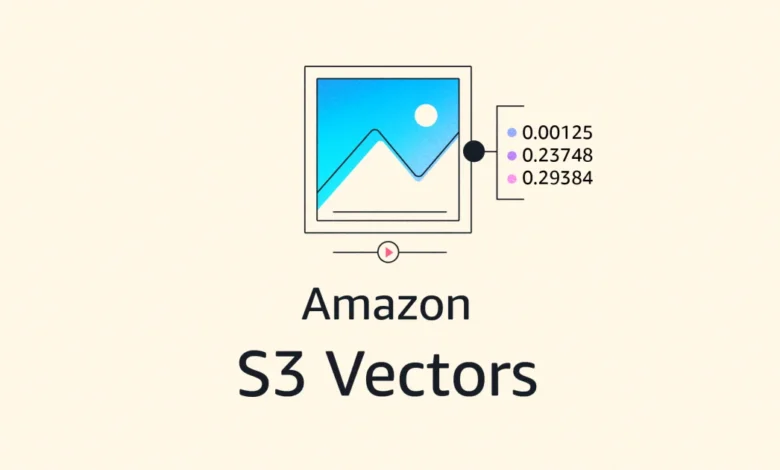
The Evolution of Vector Search in S3
The integration of vector search capabilities into Amazon S3 represents a significant shift in how developers handle large-scale machine learning and retrieval-augmented generation (RAG) workloads. Historically, vector databases and search indexes struggled to balance the "semantic" nature of vector embeddings with the "relational" nature of traditional metadata. When a user conducts a query in a system that lacks pre-filtering, the database must often perform a "post-filter" operation. In this older, "CLASSIC" mode, the system scans the entire index, calculates similarity scores for millions of vectors, and then discards those that do not meet metadata criteria.
This process is computationally expensive and frequently results in lower recall. If a system requires a search across 8 million records but filters for a specific tenant account owning only 400 documents, the classic approach forces the engine to sift through the entire 8 million, potentially missing the most relevant items within that narrow 400-document subset. With the new "ENHANCED" mode, Amazon S3 Vectors resolves the metadata filter first, creating a restricted search space that drastically improves both accuracy and speed.
Technical Mechanics: How Pre-Filtering Operates
The shift from post-filtering to pre-filtering is governed by the new index mode, ENHANCED. In this configuration, when a request is made, the engine identifies all vectors matching the user-defined constraints—such as tenant_id, category, or created_date—before the vector similarity search is ever initiated.
Each vector in an S3 Vectors index can now carry up to 2 KB of application-defined metadata. Because the system does not require a pre-defined schema, developers have the flexibility to inject arbitrary JSON-like metadata into their vector entries. The engine supports up to 100 filter constraints per query, including advanced operators such as $and, $or, $gt (greater than), and the newly introduced $startsWith.
The $startsWith operator is particularly significant for organizations managing hierarchical data structures. Whether handling file paths, URLs, or nested document IDs, developers can now target specific subtrees or categories within their storage buckets without performing complex, multi-step queries. This reduces the latency of semantic searches in multi-tenant environments, where strict data isolation is a legal and operational requirement.
Implications for RAG and Agentic Applications
The rise of Retrieval-Augmented Generation (RAG) has placed unprecedented demands on storage infrastructure. RAG applications require that an AI model retrieves context from a massive dataset to provide accurate, up-to-date responses. If the retrieval step is "noisy"—meaning it pulls in irrelevant data from outside the user’s scope—the quality of the generated response suffers, or worse, leads to data leakage between tenants.
By enforcing metadata pre-filtering at the storage layer, Amazon S3 Vectors provides a robust safeguard. For instance, in an enterprise support knowledge base, an AI agent tasked with resolving a customer issue can now be strictly confined to that specific customer’s interaction history. By filtering by customer_id first, the system guarantees that the AI only "sees" relevant tickets, resulting in higher recall and significantly reducing the likelihood of hallucinations or irrelevant context injection.
Industry analysts observe that this capability essentially turns S3 into a more performant "vector-native" database. By removing the need to re-ingest data or manage complex indexing schemas, AWS is positioning S3 to compete directly with specialized vector database vendors, offering a simplified, integrated stack for companies already committed to the AWS cloud ecosystem.
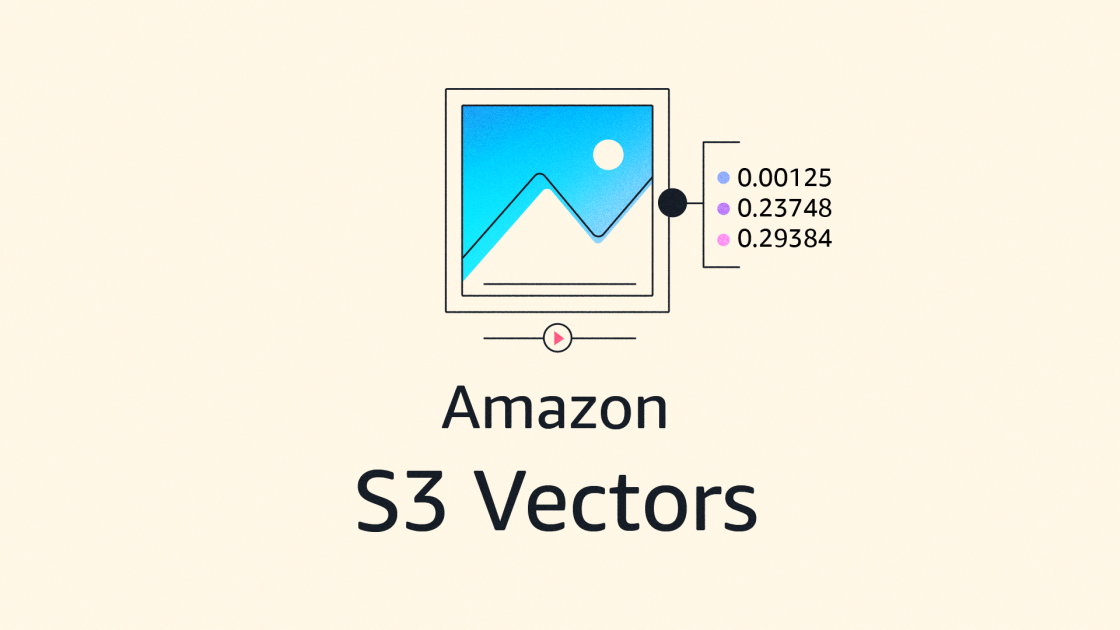
Implementation and Migration Strategy
For existing users of Amazon S3 Vectors, the transition to the new architecture is designed to be seamless. The update does not require a re-ingestion of existing vector data, which would have been a significant operational burden for organizations managing terabytes of information.
The migration path involves three distinct steps:
- Validation: Developers must ensure that their AWS Identity and Access Management (IAM) policies are updated to support the new
ENHANCEDmode operations. - Mode Update: By invoking the
UpdateIndexModeAPI, users can switch their existingCLASSICindexes toENHANCED. This action takes place in-place, meaning the index remains available for queries throughout the transition. - Default Policy Setting: To prevent future inconsistency, administrators can set the default index mode for their vector buckets to
ENHANCED, ensuring that all subsequent indexes created within that bucket automatically utilize the new filtering logic.
This non-disruptive migration strategy highlights AWS’s focus on enterprise reliability. By allowing a gradual rollout, organizations can validate the performance improvements on a per-index basis before applying the change across their entire production infrastructure.
Performance Benchmarks and Data Accuracy
Internal testing by AWS engineers indicates that for highly selective filters—those that isolate a small subset of the total index—the ENHANCED mode can return up to five times more relevant vectors than the previous CLASSIC mode. This is not merely an incremental improvement; for applications involving complex filtering (e.g., matching a document by tenant_id, category, and active status simultaneously), it represents a fundamental change in the reliability of the retrieval layer.
The metadata-first approach ensures that the "Top-K" results requested by the user are actually the top results within the requested segment, rather than a top-level global list that might have been filtered down to a smaller, less relevant subset.
Market Context and Future Outlook
The introduction of pre-filtering follows a broader trend of "data gravity" in the cloud, where storage providers are increasingly moving intelligence—such as vector search, filtering, and indexing—directly into the storage layer. By reducing the distance between the data and the computation, AWS is minimizing the latency inherent in distributed systems.
Furthermore, the integration of this feature into AWS China regions alongside global commercial regions underscores the importance of this capability for global enterprises. With data privacy regulations becoming more stringent, the ability to enforce "hard" filters at the storage layer provides a predictable and auditable way to maintain data sovereignty within multi-tenant AI applications.
As developers continue to move from prototype-stage RAG systems to production-grade agentic workflows, the requirement for granular, high-performance filtering will only increase. Amazon’s decision to offer this as an "at-no-additional-cost" upgrade is likely aimed at consolidating its market share in the AI infrastructure space, making it harder for developers to justify the cost and operational complexity of maintaining a separate, standalone vector database when the native storage solution provides equivalent, if not superior, functionality.
For organizations currently building on AWS, the takeaway is clear: the integration of metadata pre-filtering represents a maturation of S3 as a foundation for generative AI. It shifts the burden of complex query logic from the application layer to the storage layer, providing a cleaner, faster, and more accurate retrieval pipeline for the next generation of intelligent applications. The update is available immediately across all supported regions, and documentation is currently available via the AWS S3 developer portal to assist with the transition to ENHANCED mode.
Related posts: